
Free
$0
No credit card required
- 1 project with up to 5 screenshots
- One language, 2D frames, and store-size presets
- Full-resolution PNG and ZIP exports with no watermark
- 3 saved styles
Upload your app screens, add device frames and captions, and export at the exact sizes each store needs.
The editor works on desktop browsers at 1024 px and wider.
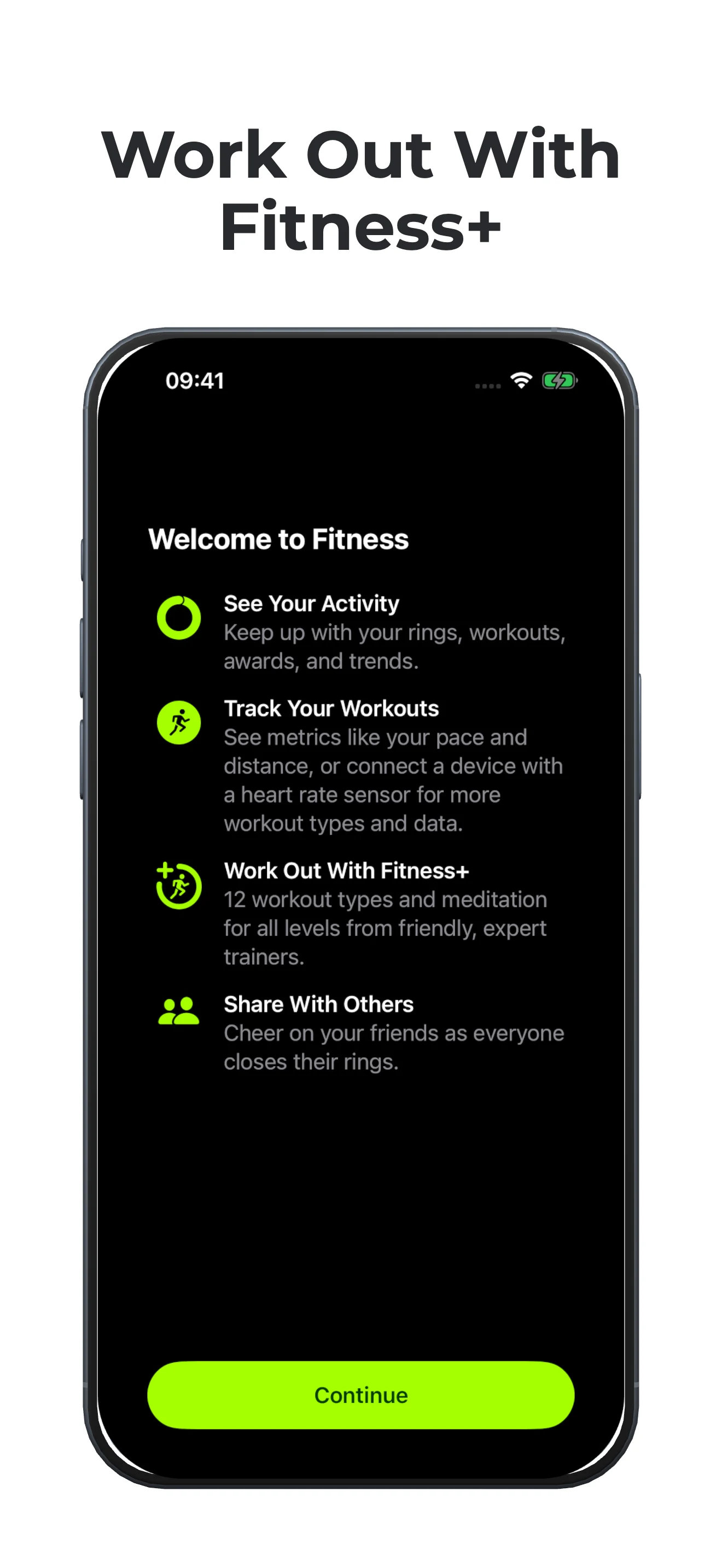
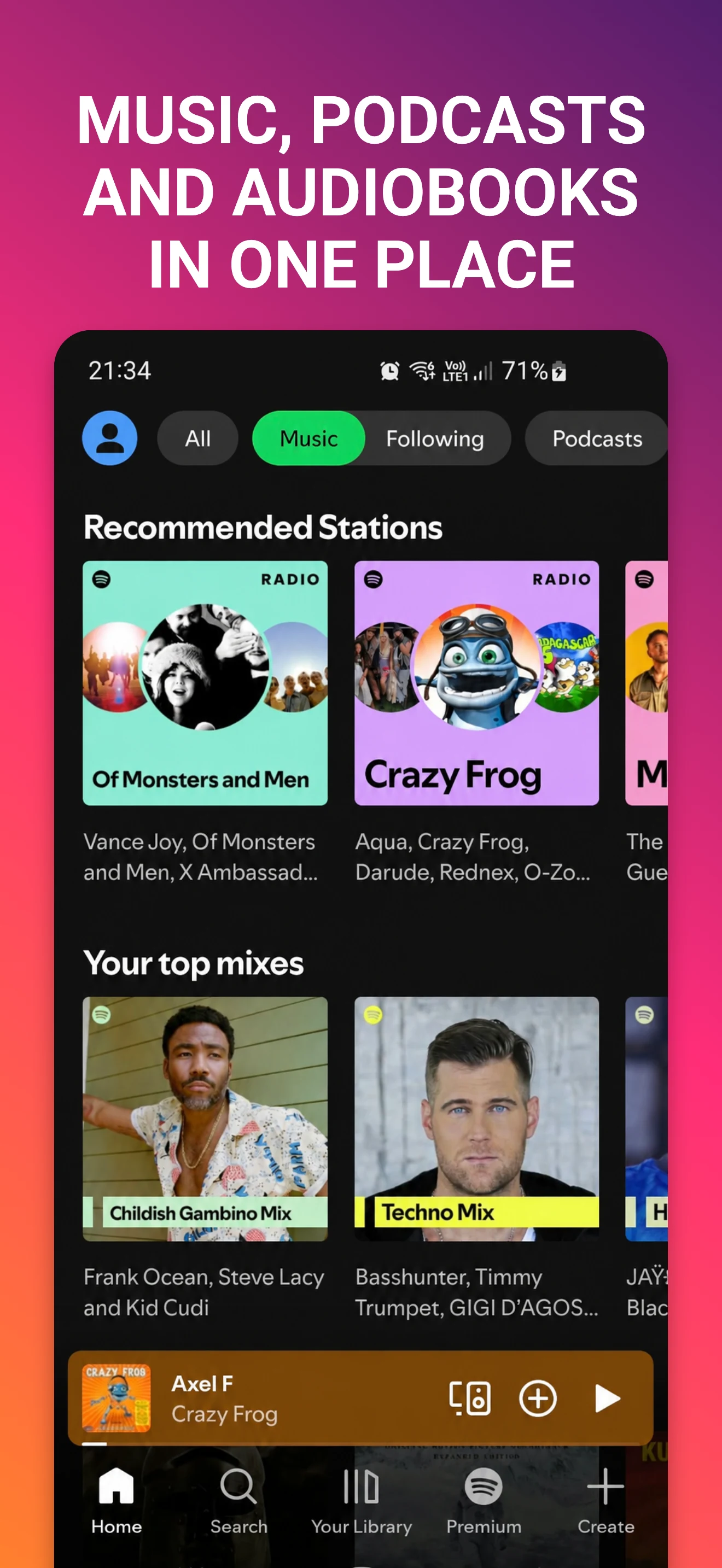
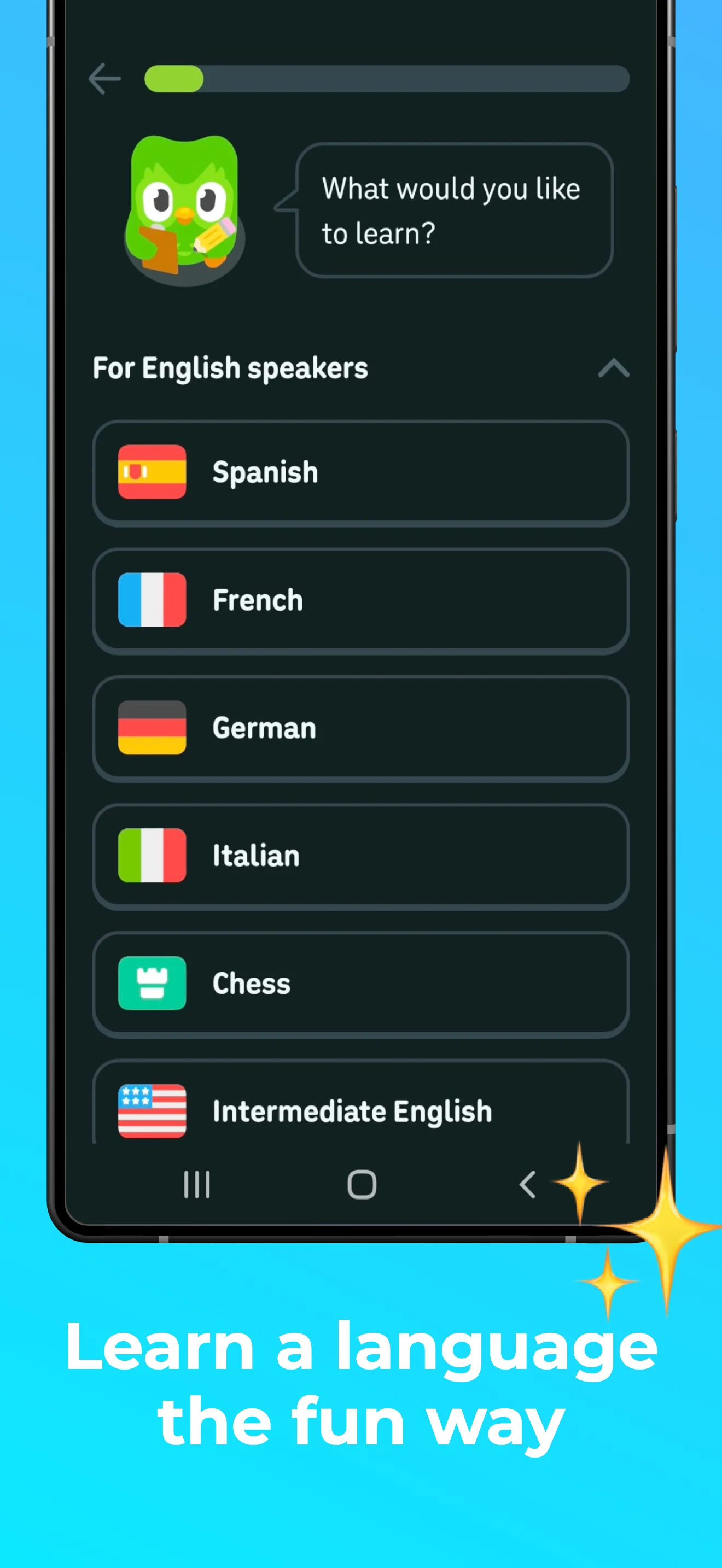
Drop in screenshots from a simulator or your phone.
Add device frames, backgrounds, and captions that tell people what your app does.
Pick a store size and download full-resolution PNGs individually or in one ZIP.
$0
No credit card required
$8.25/ month
$99 billed yearly
One project with up to five screenshots in one language. You get 2D device frames, captions, store-size presets, and full-resolution PNG and ZIP exports without a watermark.
Pro adds more projects and screenshots, localization, 3D devices, custom sizes, AI-generated headlines, and AI translation.
Download individual RGB PNGs with no transparency, or bundle them in a ZIP. Each image uses the exact pixel dimensions of the size you select.
Screenshots are stored with your project in your account. If you use a Pro AI feature, the relevant screenshots or text are sent to an AI provider to generate your result.